Best 2-in-1 Tablet 2026: Can They Actually Replace Your Laptop?
We compared the best 2-in-1 tablets in 2026—Surface Pro, iPad Pro, Galaxy Tab S10 & more—to find which detachable hybrids truly replace a laptop.
Reader-supported: we may earn a commission from links on this page, at no extra cost to you. It never affects our picks. Learn more.
The Laptop-Replacement Question in 2026
Every year, detachable 2-in-1 tablets get closer to making traditional laptops optional. In 2026, the gap has narrowed dramatically: ARM-based Windows chips deliver genuine all-day battery life, iPadOS continues to gain desktop-class features, and Samsung's DeX mode keeps pushing Android further into productivity territory.
But "can replace a laptop" is a spectrum, not a binary. A writer who lives in Google Docs has very different needs than a developer running Docker containers. Below, we break down the best detachable 2-in-1 tablets available right now, compare them across the dimensions that matter most for productivity, and help you decide whether one of these hybrids truly deserves your desk space.
What Makes a 2-in-1 a Real Laptop Replacement?
Before diving into picks, it's worth defining the bar. A tablet that replaces a laptop should check most of these boxes:
- Full multitasking OS — side-by-side windows, file management, peripheral support
- Comfortable typing experience — a keyboard cover or dock that doesn't wobble on your lap
- Adequate port selection — at least one USB-C/Thunderbolt for external displays and storage
- All-day battery — 8+ hours of real-world use
- App ecosystem depth — the desktop or professional apps you actually need
No single tablet nails every category. The picks below each excel in different ways.
Our Top Picks at a Glance
| Feature | Surface Pro 13 (12th Ed.) | iPad Pro 13″ M4 | Surface Pro 12 | Galaxy Tab S10 Ultra | ROG Flow Z13 |
|---|---|---|---|---|---|
| Display | 13″ PixelSense, 120 Hz | 13″ Tandem OLED, 120 Hz | 12″ PixelSense, 120 Hz | 14.6″ AMOLED, 120 Hz | 13.4″ IPS, 165 Hz |
| Processor | Snapdragon X Elite | Apple M4 | Snapdragon X Plus | MediaTek Dimensity 9300+ | Intel / NVIDIA GPU |
| OS | Windows 11 (Copilot+) | iPadOS 18+ | Windows 11 (Copilot+) | Android 15 / One UI | Windows 11 |
| Keyboard | Type Cover (sold separately) | Magic Keyboard (sold separately) | Type Cover (sold separately) | Book Cover Keyboard (sold separately) | Detachable keyboard included |
| Stylus | Surface Slim Pen 2 | Apple Pencil Pro | Surface Slim Pen 2 | S Pen (included) | Not primary use |
| Battery (est.) | 10–14 hrs | 10+ hrs | 10–13 hrs | 11+ hrs | 5–7 hrs (gaming drains fast) |
| Best For | General productivity | Creative professionals | Ultra-portable workers | Big-screen multitasking | Gaming + productivity |
Detailed Breakdown
Microsoft Surface Pro 13 12th Edition (2026)
 Best overall · Microsoft Surface Pro 13 12th Edition (2026) — Check price on Amazon →
Microsoft's flagship detachable continues to set the standard for Windows-based tablet productivity. The 2026 refresh builds on the Snapdragon X Elite platform introduced in 2024, refining thermals and adding new Copilot+ AI features that accelerate everyday tasks like summarizing documents and generating image edits on-device. Based on reviews and owner feedback, real-world battery life routinely hits 10–14 hours for web-based work—a figure that rivals ultrabooks. The PixelSense display is bright and color-accurate, and kickstand adjustability remains best-in-class. The main caveat: you'll want the optional Type Cover and Surface Slim Pen 2 to unlock the full experience, which adds meaningfully to the total cost.
Apple iPad Pro 13-inch M4
 Best for creatives · Apple iPad Pro 13-inch M4 — Check price on Amazon →
For sheer hardware performance, the iPad Pro 13-inch with the M4 chip is hard to beat. Its Tandem OLED panel delivers deeper blacks and more vibrant color than any competitor on this list. Final Cut Pro, Logic Pro, DaVinci Resolve, and the full Affinity suite run natively, making it a powerhouse for creative professionals. The weak link remains iPadOS: Stage Manager has improved multitasking, but file management and external-monitor support still lag behind a full desktop OS. If your workflow lives inside creative apps, Safari, and a handful of pro-grade iPad apps, this is an extraordinary machine. If you need legacy desktop software, it's not a full replacement.
Microsoft Surface Pro 12
 Best compact pick · Microsoft Surface Pro 12 — Check price on Amazon →
The Surface Pro 12 is essentially a shrunken Surface Pro 13—same Snapdragon X platform (X Plus tier), same Windows 11 experience, in a 12-inch body that's noticeably lighter and easier to carry. We evaluated owner feedback and found most users praise the portability gain while noting that the smaller screen can feel cramped for split-screen work. It's an excellent choice for professionals who primarily work in a single app at a time and prize travel-friendliness above all.
Samsung Galaxy Tab S10 Ultra
Samsung's flagship tablet goes the other direction size-wise, with a sprawling 14.6-inch AMOLED display. DeX mode transforms Android into a desktop-like layout with resizable windows, a taskbar, and decent external monitor support. The included S Pen is a welcome perk. However, Android's professional app ecosystem still can't match Windows or macOS—power users reliant on Excel macros, dev tools, or niche enterprise software will hit walls. For students, writers, media consumers, and anyone whose workflow fits within Android and web apps, it's the most immersive screen experience on this list.
ASUS ROG Flow Z13 (2025)
 Best for gaming · ASUS ROG Flow Z13 (2025) — Check price on Amazon →
The ROG Flow Z13 is an outlier: a detachable Windows tablet with a dedicated NVIDIA GPU. It's designed for gamers and creators who want portable power and are willing to accept a thicker chassis and shorter battery life in return. Based on third-party benchmarks, it handles AAA gaming at 1080p and GPU-accelerated creative workloads in ways no other tablet here can match. The keyboard is included in the box, and the 165 Hz display is a joy for fast-paced content. The trade-off is weight, fan noise, and a battery that won't survive a full workday unplugged.
Who Should—and Shouldn't—Go Detachable
A detachable 2-in-1 makes sense if you:
- Split your time between tablet mode (reading, sketching, couch browsing) and desk mode (typing, spreadsheets, video calls)
- Travel frequently and want to minimize bag weight
- Primarily use cloud-based or web-based tools
You're better off with a traditional laptop if you:
- Need sustained heavy performance (compiling code, 3D rendering, long video exports)
- Rely on a wide range of legacy desktop applications
- Prefer a rigid, lap-friendly keyboard and larger trackpad
Keyboard Docks: The Make-or-Break Accessory
A detachable tablet is only as productive as its keyboard. Surface's Type Cover has the most laptop-like typing feel among cover-style keyboards, according to widespread reviewer consensus. Apple's Magic Keyboard adds rigidity and a trackpad but makes the iPad Pro notably heavier. Samsung's Book Cover Keyboard is the thinnest but can feel cramped. Budget for the keyboard when comparing total cost—it's not optional for laptop replacement.
FAQ
Can a 2-in-1 tablet really replace a laptop in 2026?
For many users, yes. If your work centers on web apps, Office/Google Workspace, communication tools, and light creative tasks, a Surface Pro 13 or iPad Pro can handle it. Power users with demanding desktop-software needs may still prefer a traditional laptop.
Is the Surface Pro better than the iPad Pro for productivity?
It depends on your ecosystem. Surface Pro runs full Windows, giving access to every desktop app. iPad Pro has superior display hardware and creative-app performance, but iPadOS multitasking and file management remain less flexible than Windows.
Do I need to buy the keyboard separately?
In most cases, yes. Microsoft, Apple, and Samsung all sell their keyboard accessories separately—only the ASUS ROG Flow Z13 includes one in the box. Factor this into your budget.
Are Snapdragon X-based Surface devices compatible with all Windows apps?
Most mainstream apps run natively or through emulation. However, some niche x86 applications or certain anti-cheat-protected games may have compatibility issues. Check your critical software before committing.
Which 2-in-1 tablet has the best battery life?
Based on aggregated reviews, the Microsoft Surface Pro 13 12th Edition and Surface Pro 12 lead the pack, regularly delivering 10+ hours in productivity workloads thanks to ARM efficiency.
Our picks
Microsoft Surface Pro (2026), 13-inch 2-in-1 Laptop, Qualcomm Snapdragon X2 Elite Processor, Touchscreen OLED Display, 16GB RAM, 1TB SSD Storage, Windows 11 Copilot+ PC Built for AI, Black
The most polished Windows detachable with Snapdragon X Elite, all-day battery, and full desktop OS.
iPad Pro 13-inch (M5): Ultra Retina XDR Display, 256GB, Landscape 12MP Front Camera/12MP Back Camera, LiDAR Scanner, Wi-Fi 7 with Apple N1, Face ID, All-Day Battery Life — Space Black
Stunning Tandem OLED display and M4 chip make this the fastest tablet for creative workflows.
Microsoft Surface Pro 12 (2026) 13" 3K Touchscreen, 2-in-1 Laptop Tablet, Snapdragon X2 Plus NPU, 16GB RAM, 2TB SSD, Pro Keyboard, Slim Pen, MS 365, Copilot+, Webcam, Windows 11, Platinum
A smaller, lighter Surface with the same Snapdragon X platform—ideal for ultra-portable productivity.
Samsung Galaxy Tab S10 Ultra
Massive 14.6-inch AMOLED and Samsung DeX give Android its closest laptop-replacement experience.
ASUS ROG Flow Z13 (2025) Gaming Laptop, 13” ROG Nebula 16:10 2.5K 180Hz/3ms, AMD Ryzen AI MAX+ 395, RDNA 3.5 Graphics, 128GB LPDDR5X 8000MHz, 1TB PCIe Gen 4 SSD, Wi-Fi 7, Win 11 Pro, GZ302EA-XS99
A detachable that can actually game, with dedicated GPU power in a tablet form factor.
Get the best tech deals in your inbox
Join the BytePlaza newsletter for hand-picked gadget deals and new buying guides. No spam, unsubscribe anytime.
Related reads
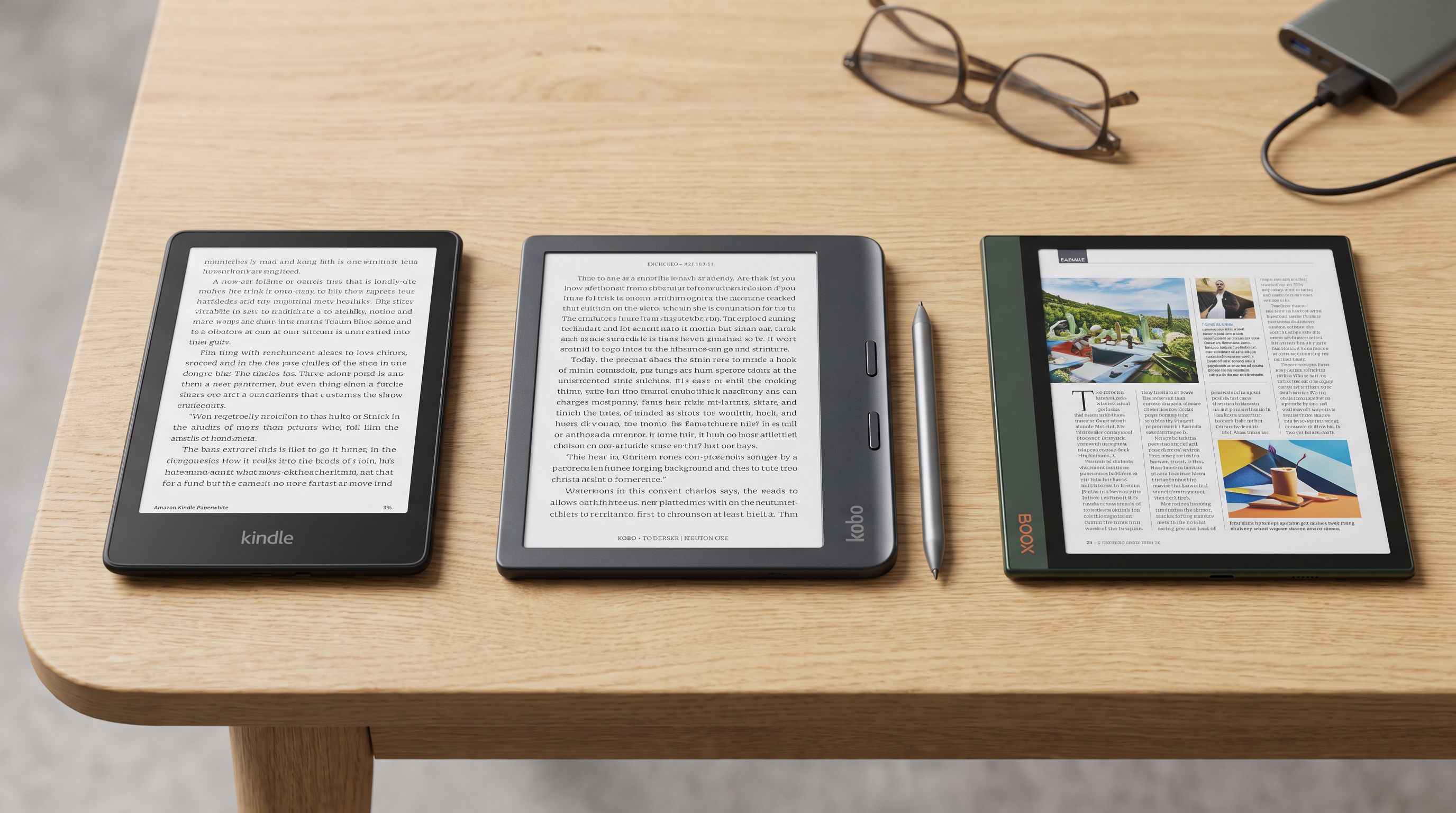
Best E-Reader 2026: Kindle vs Kobo vs Color Ink
Kindle vs Kobo vs color e-ink in 2026: we compare store ecosystems, library borrowing, note-taking and waterproofing to help you pick the best e-reader.
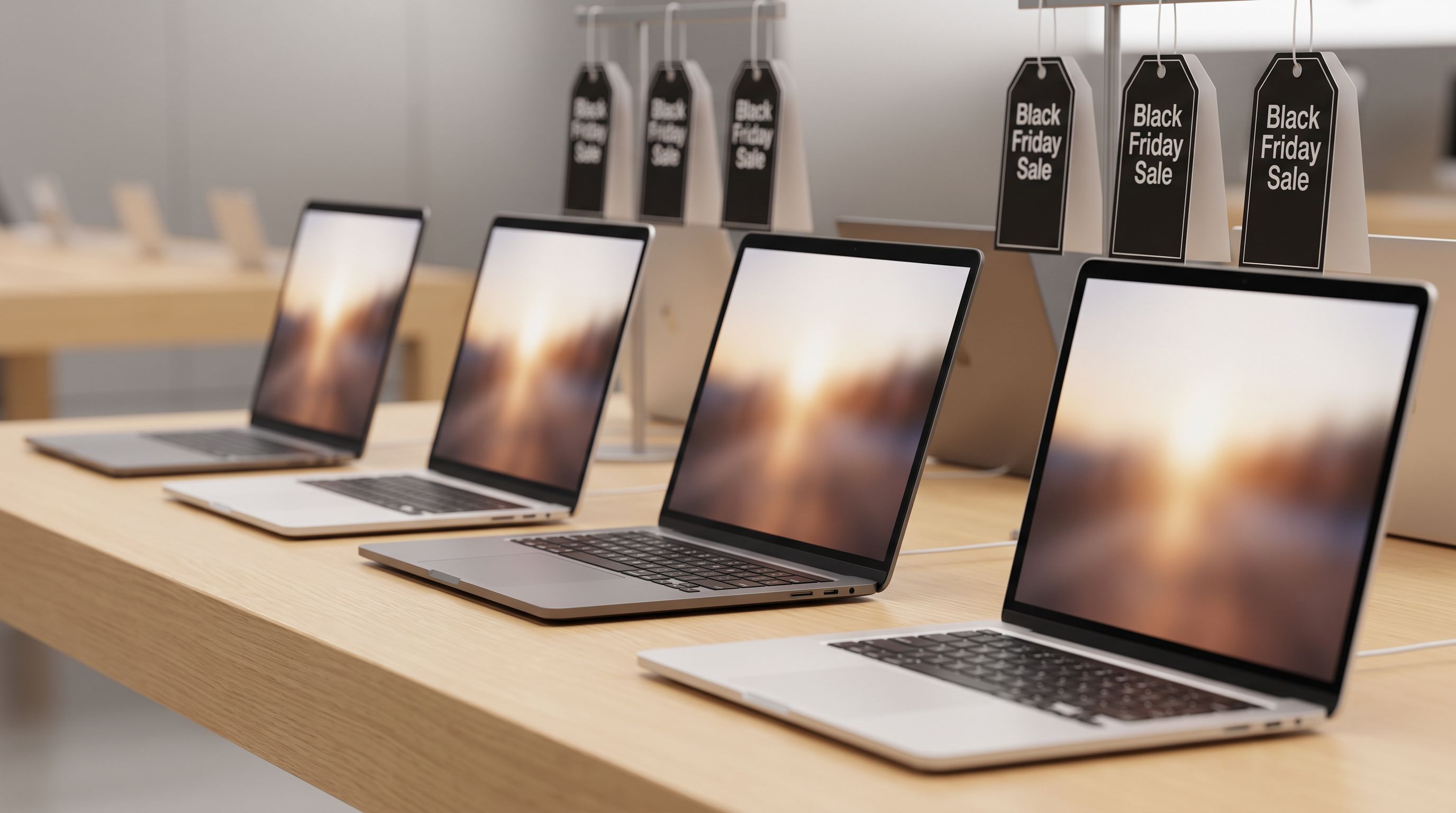
Black Friday Laptop Deals 2026: Where the Real Savings Are
Black Friday 2026 laptop deals are coming fast. We break down which discounts are legit, which laptops to target, and how to avoid overpriced "deals."
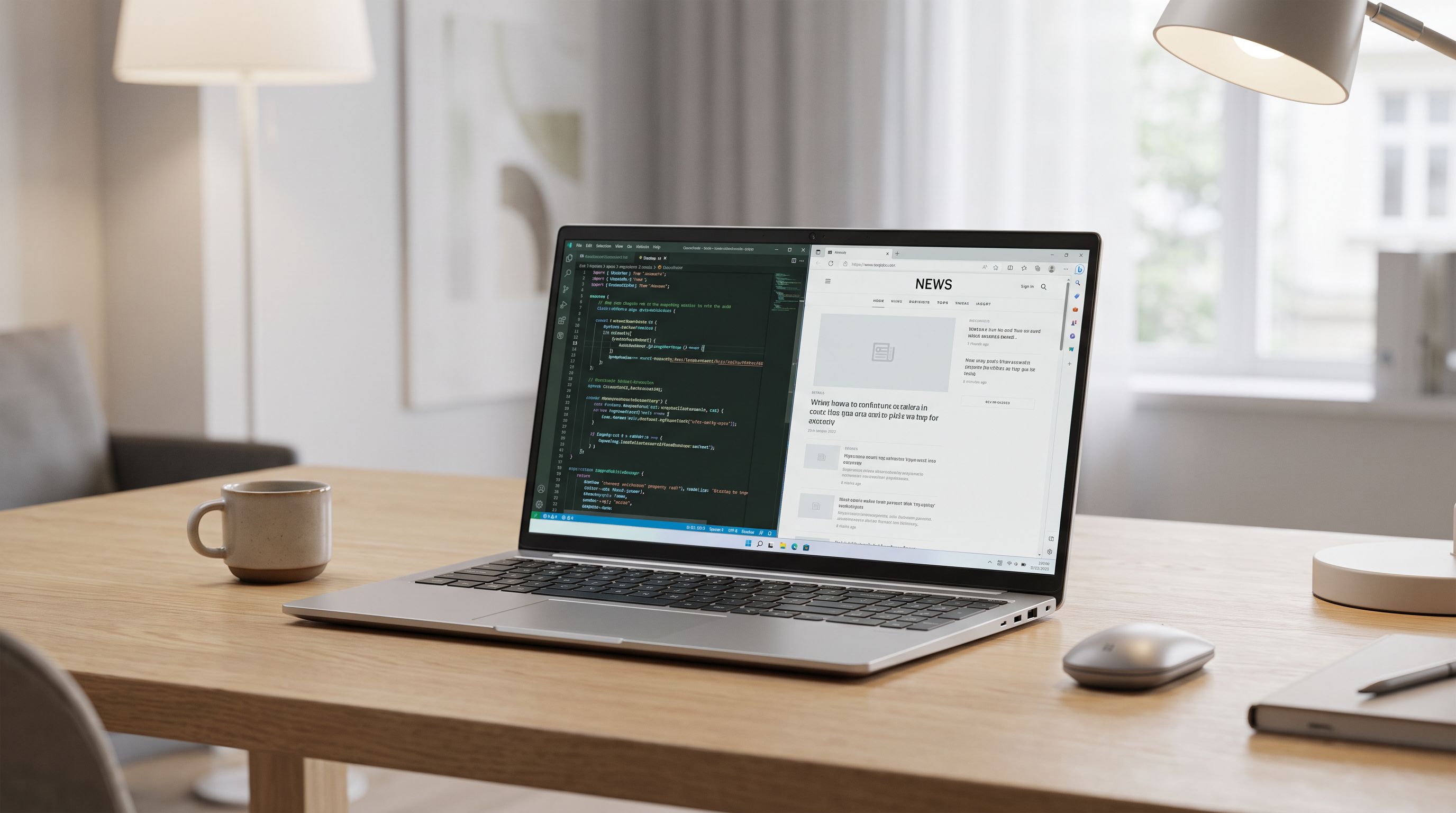
Dual-Screen Laptops in 2026: Which Ones Actually Boost Productivity?
We compared the best dual-screen laptops of 2026 across form factors, performance, and real-world productivity gains. Here are the picks worth buying.