34" vs 49" Ultrawide Monitors: Which One Fits Your Desk in 2026?
The best ultrawide monitor for 2026 depends on desk depth, not just specs. We compare 34-inch and 49-inch OLED and IPS picks for work-from-home productivity.
Reader-supported: we may earn a commission from links on this page, at no extra cost to you. It never affects our picks. Learn more.
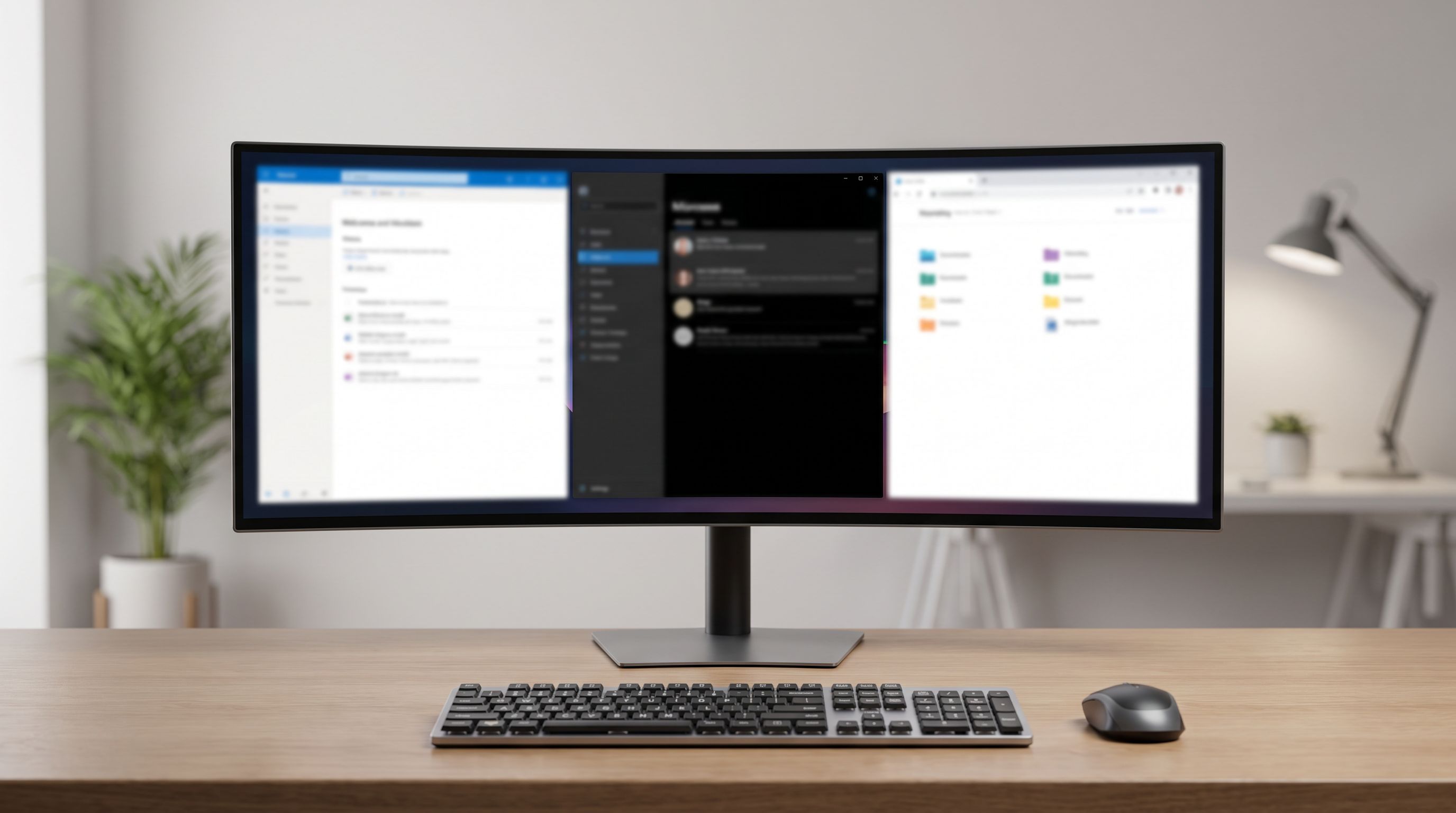
Ultrawide monitors have stopped being a novelty. If you spend your day juggling a browser, a video call, a spreadsheet and a Slack window, a single wide panel removes the bezel down the middle of your workflow — and that's a bigger quality-of-life upgrade than most people expect.
But the shopping decision has narrowed down to one real fork in the road: 34-inch (21:9) or 49-inch (32:9)? Everything else — OLED vs IPS, 100Hz vs 240Hz, curve radius — follows from that first choice. We compared current 2026 models using manufacturer specs, independent lab reviews and verified owner feedback to work out which size actually suits which desk.
The short answer
- Desk depth under ~70cm / 28in? Get a 34-inch. A 49-inch at close range forces you to physically turn your head, and the edges fall outside your comfortable field of view.
- Desk depth 75cm+ and you currently run dual monitors? A 49-inch super-ultrawide like the Samsung Odyssey OLED G9 (G93SC) is the genuine two-screens-in-one replacement.
- Want a middle ground? 39–40 inch panels at 5120x2160 — like the LG UltraGear 39GX950B — have quietly become the enthusiast favourite, and it shows in community recommendations.
 Premium pick · LG UltraGear 39GX950B — Check price on Amazon →
 Best 49-inch super-ultrawide · Samsung Odyssey OLED G9 (G93SC) 49-inch — Check price on Amazon →
34-inch vs 49-inch: what actually changes
The specs look like a simple size step, but three practical things shift.
Vertical height doesn't grow. A 34-inch 21:9 panel and a 49-inch 32:9 panel are roughly the same height. The 49-inch just gets wider. So if your complaint is "not enough vertical room for long documents," neither fixes it — you want a 16:10 or a 5120x2160 panel instead, where the extra vertical pixels are real.
Window management gets harder, not easier. On a 34-inch, two half-screen windows are each about 17 inches wide — comfortable. On a 49-inch, halves are too wide and thirds are the sweet spot, which means you'll lean on FancyZones (Windows) or Rectangle/Moom (macOS) rather than the built-in snap.
macOS scaling is a real consideration. 3440x1440 on a 34-inch is around 110 PPI — fine but not Retina-sharp. If you're on a Mac and text crispness matters, a 5K2K (5120x2160) panel scales far more gracefully. Windows users are less bothered either way.
Comparison table
| Model | Size / ratio | Resolution | Panel | Refresh | Best for |
|---|---|---|---|---|---|
| ASUS ROG Swift OLED PG34WCDM | 34" / 21:9 | 3440x1440 | QD-OLED | 240Hz | Best all-rounder, work + play |
| Samsung Odyssey OLED G9 (G93SC) | 49" / 32:9 | 5120x1440 | QD-OLED | 240Hz | Replacing a dual-monitor setup |
| Dell Alienware AW3425DW | 34" / 21:9 | 3440x1440 | QD-OLED | 180Hz+ | Value OLED with strong warranty |
| LG UltraGear 39GX950B | 39" / 21:9 | 5120x2160 | OLED | 240Hz | Text sharpness + immersion |
| LG UltraWide 34WQ60C-B | 34" / 21:9 | 3440x1440 | IPS | 100Hz | Budget office use, USB-C |
 Budget IPS pick · LG UltraWide 34WQ60C-B — Check price on Amazon →
 Best value OLED · Dell Alienware AW3425DW — Check price on Amazon →
 Best overall · ASUS ROG Swift OLED PG34WCDM — Check price on Amazon →
The picks
ASUS ROG Swift OLED PG34WCDM — best overall
The PG34WCDM keeps appearing at the top of expert round-ups for a reason: it's a 34-inch QD-OLED that doesn't ask you to choose a lane. 3440x1440 at 240Hz means it's a legitimate gaming display, but the per-pixel contrast also makes it a pleasant panel to read on, and reviewers consistently praise its colour accuracy out of the box.
The caveats are the usual QD-OLED ones. Text fringing on fine fonts is visible if you look for it (the triangular subpixel layout isn't ideal for ClearType), and the panel's glossy-ish coating means you'll want to control light behind you. If your room has a window opposite the screen, an IPS panel will serve you better.
Samsung Odyssey OLED G9 (G93SC) — best 49-inch
This is the one to buy if you've decided 32:9 is the answer. 5120x1440 across 49 inches with a 1800R curve gives you two 27-inch QHD screens' worth of desktop with no bezel seam, and the OLED contrast makes the whole thing feel less like a slab and more like a window.
Two practical warnings. First, measure. It's roughly 1.2 metres wide and the aggressive curve means the stand needs real depth behind it — plenty of owner complaints trace back to a desk that was simply too shallow. Second, 5120x1440 is a lot of pixels to push; older laptops with a single DisplayPort-over-USB-C output may not drive it at full refresh without dropping to a lower rate.
Dell Alienware AW3425DW — best value OLED
Alienware's 34-inch QD-OLED line has become the sensible entry point into OLED ultrawides. The AW3425DW hits 3440x1440 with a 1800R curve and a high refresh rate, and Dell's OLED burn-in coverage is one of the more reassuring warranties in the category — a genuine differentiator if you're worried about leaving a taskbar on screen for eight hours a day.
It's not the brightest panel in full-screen highlights, and the stand is chunky. But for someone who wants OLED contrast without paying flagship money, it's the easiest recommendation here.
LG UltraGear 39GX950B — premium pick
The 39-inch, 5120x2160 category barely existed two years ago and is now where a lot of enthusiasts have landed. You get roughly 140 PPI — sharp enough that text looks clean and macOS scaling behaves — plus 240Hz OLED motion and enough width for three comfortable columns.
It's expensive, and it needs a capable GPU if you want to game at native resolution. But it solves the vertical-space problem that both 34-inch and 49-inch panels ignore.
LG UltraWide 34WQ60C-B — budget IPS pick
Not everyone needs OLED. If your day is documents, email and Teams calls, an IPS ultrawide with USB-C power delivery is the pragmatic buy. The 34WQ60C-B does 3440x1440 at 100Hz, charges a laptop over a single cable, and has zero burn-in anxiety attached to it. Matte coating handles a bright room far better than any OLED here.
You're giving up contrast and motion clarity. For spreadsheet work, that's a trade most people won't notice by week two.
Buying checklist before you order
- Measure desk depth first. 34-inch: 60cm+. 39–40 inch: 70cm+. 49-inch: 75cm+ minimum.
- Check VESA mounting. Most of these support 100x100mm. A monitor arm reclaims a huge amount of desk on the wider models.
- Confirm your GPU/laptop output. 3440x1440 at high refresh needs DisplayPort 1.4 with DSC or HDMI 2.1; 5120x2160 at 240Hz needs DisplayPort 2.1.
- Look for USB-C PD if you dock a laptop. Single-cable docking is the underrated ultrawide feature for WFH.
- Enable OLED care settings. Pixel shift, logo dimming and a short screen timeout materially reduce burn-in risk.
FAQ
Is an ultrawide better than two monitors? For focused work, usually yes — no bezel, one cable, one power brick. For anything where you want a truly separate screen (a full-screen video call while you work), two displays still win. A 49-inch is the closest compromise.
Will an OLED ultrawide burn in from office work? Static taskbars and docks are the risk. Modern panels include pixel-shift and logo-dimming mitigations, and Dell and others now include burn-in warranty coverage. If you run identical static UI for 10 hours a day with no screen timeout, choose the IPS option instead.
Is 100Hz enough for productivity? Yes. Above 60Hz, scrolling and cursor movement feel noticeably smoother, and the returns diminish quickly for non-gaming work. Pay for 240Hz only if you game.
Do ultrawides work well with macOS? They work, but 3440x1440 sits in an awkward scaling zone where text isn't as crisp as Mac users expect. 5120x2160 panels scale much better. Also check that your Mac supports the resolution and refresh rate over its available ports.
What curve radius should I look for? 1800R is the current standard and works well at typical desk distances. Flatter curves (2300R+) look more natural for design work; tighter curves suit 49-inch panels where the edges would otherwise be too far away.
Our picks
ASUS ROG PG34WCDN 34 Inch 1440p 360Hz Ultrawide RGB OLED Gaming Monitor | Tandem RGB QD-OLED, RGB Stripe Pixel, OLED Care Pro, DisplayHDR 500 True Black, USB-C 90W,0.03ms
34-inch 240Hz QD-OLED that handles spreadsheets by day and games at night without compromise.
Samsung 49" Odyssey G9 Dual QD-OLED G91SD Curved Ultrawide Gaming Monitor Bundle with Tech Smart USA Elite Suite 18, 2X 4K HDMI Cable & Deco Gear CPS 26 Month Protection Pack (BEACH-CPS-26M1500)
Dual-QHD 32:9 OLED that genuinely replaces two 27-inch monitors — if your desk is deep enough.
Alienware 34 240Hz QD-OLED Curved Gaming Monitor - AW3425DW - 34.2-inch WQHD (3440 x 1440) 0.03ms Display, 1800R Curve, AMD FreeSync Premium Pro, VESA AdaptiveSync, DisplayHDR TrueBlack 400
34-inch 3440x1440 QD-OLED with a 1800R curve and a strong warranty for burn-in peace of mind.
LG 39GX950B-B 39-inch Ultragear evo 5K2K WUHD (5120 x 2160) OLED Curved Gaming Monitor, Dual-Mode,165Hz, 0.03ms, NVIDIA G-Sync, FreeSync Premium Pro, DisplayHDR True Black 500, HDMI, DP, USB-C, Black
39 inches of 5120x2160 OLED — the sweet spot between a 34-inch and a full 49-inch panel.
LG 34" Curved UltraWide WQHD(3440x1440) Smart Monitor with HDR10 99% sRGB, 100Hz, Magic Remote, AirPlay 2 & Adjustable Stand, webOS
Curved 34-inch 3440x1440 IPS with USB-C charging — the no-drama office ultrawide.
Get the best tech deals in your inbox
Join the BytePlaza newsletter for hand-picked gadget deals and new buying guides. No spam, unsubscribe anytime.
Related reads
Ultrawide OLED in 2026: Is 34" Enough, or Go 45"?
We compared the best ultrawide OLED monitors of 2026 — QD-OLED vs WOLED, 34-inch vs 45-inch — to help gamers and creators spend smart on curve, pixels and hertz.
Ultrawide Monitors Under $500 in 2026: 4 Picks That Earn Desk Space
Looking for the best ultrawide monitor under 500? We compared 34-inch curved picks on panel type, refresh rate, and USB-C power delivery for work-and-play desks.
Portable Monitors Under $200 in 2026: 4 Travel Picks
We compared budget 15.6-inch USB-C portable monitors for 2026 — panel type, brightness claims, port layout and weight — to find the best portable monitor under $200.