Desktop Speakers Under $200: What to Buy in 2026
Looking for the best computer speakers under $200 in 2026? We compared 2.0 and 2.1 powered desktop sets with USB-C and Bluetooth to find the real upgrades.

Reader-supported: we may earn a commission from links on this page, at no extra cost to you. It never affects our picks. Learn more.
Laptop speakers and monitor speakers are designed to satisfy a spec sheet, not your ears. They fire downward or backward, they have almost no enclosure volume, and they roll off everything below about 200 Hz. Swapping them for even a modest pair of powered desktop speakers is one of the biggest quality-of-life upgrades you can make to a computer — and under $200 the options in 2026 are genuinely good.
We compared the most-recommended desktop speakers using manufacturer specs, independent measurements and reviews from outlets like PCMag and PCWorld, and verified owner feedback, then ranked them by what actually matters at a desk: near-field clarity, connection flexibility (USB-C and Bluetooth), and how much space they steal.
What changed for desktop audio in 2026
Three things worth knowing before you shop:
USB-C is finally standard. Older desktop speakers used USB-A for power and a 3.5 mm jack for audio. Newer models — Creative's Pebble Pro is the obvious example — take USB-C for both power and digital audio, which sidesteps your PC's often-noisy analog headphone output entirely. If your laptop only has USB-C ports, this matters a lot.
Bluetooth is table stakes, not a bonus. Nearly every set worth buying now includes Bluetooth 5.x so you can switch from your desktop to your phone without unplugging anything. Just don't use Bluetooth for the primary connection to your PC: latency will annoy you in games and video editing.
Studio monitors crossed over. Small near-field monitors from Mackie, Edifier, PreSonus and JBL now sell at consumer prices, and they're often the better buy. They're built to sound accurate at 2–3 feet away, which is exactly your listening position.
2.0 vs 2.1: which layout do you actually need?
A 2.0 system is two speakers. A 2.1 system adds a powered subwoofer, usually parked under the desk.
Go 2.0 if you mostly listen to music, podcasts and voice, if you live in an apartment with thin walls, or if you want the cleanest desk. Good 2.0 speakers with 3–4 inch woofers reach low enough that most people don't miss the sub.
Go 2.1 if you play a lot of action games or watch movies at the desk, if you like electronic or hip-hop, or if your desk is too shallow for speakers with any real cabinet depth — the sub does the heavy lifting so the satellites can stay tiny.
One caveat: cheap 2.1 systems often have a fixed, high crossover point, which makes bass sound like it's coming from under the desk rather than from the speakers. Systems with an adjustable sub level, like the Logitech Z407, let you dial that back.
 Best 2.1 for bass · Logitech Z407 — Check price on Amazon →
The shortlist
| Model | Type | Key inputs | Best for | Desk footprint |
|---|---|---|---|---|
| Creative Pebble Pro | 2.0 | USB-C audio, Bluetooth 5.3, 3.5 mm | Budget upgrade over laptop audio | Very small |
| Audioengine A2+ Wireless | 2.0 | USB DAC, Bluetooth aptX, RCA, 3.5 mm | Best all-round sound quality | Small |
| Mackie CR3.5BT | 2.0 monitors | Bluetooth, TRS/RCA, 3.5 mm, headphone out | Accuracy + creative work | Medium |
| Edifier MR4 | 2.0 monitors | TRS, RCA, AUX, headphone out | Cheapest honest sound | Medium |
| Logitech Z407 | 2.1 | Bluetooth, USB, 3.5 mm | Games and movies with real low end | Medium + sub |
 Best value monitors · Edifier MR4 — Check price on Amazon →
 Best for accuracy on a budget · Mackie CR3.5BT — Check price on Amazon →
 Best overall · Audioengine A2+ Wireless — Check price on Amazon →
 Best budget pick · Creative Pebble Pro — Check price on Amazon →
Creative Pebble Pro — the sensible starting point
The Pebble line became the default budget recommendation for a reason, and the Pro version modernizes it: USB-C for power and digital audio, Bluetooth 5.3, custom drivers angled up toward your ears, and RGB lighting you can turn off. It won't fill a room, and it won't produce chest-thumping bass, but next to laptop or monitor speakers the difference in vocal clarity and stereo separation is not subtle. If your budget is closer to $50 than $200, start here.
Audioengine A2+ Wireless — the one most people keep
The A2+ has been the enthusiast answer for desktop audio for years and the Wireless revision keeps it relevant with Bluetooth aptX alongside a built-in USB DAC. The appeal is a real wooden cabinet and a properly voiced 2.75-inch Kevlar woofer, which gives it a warmth and midrange body that plastic-cabinet speakers can't fake. It's the pick if you listen to a lot of music and want something you won't want to replace in two years. If you later want more bass, it has an RCA output for a subwoofer.
Mackie CR3.5BT — monitors that don't lie
Mackie's CR series is a fixture on "best PC speakers" lists — some outlets pair the CR3.5BT with Mackie's CR8SBT sub as their overall winner. On its own the CR3.5BT gives you a flatter, more revealing presentation than consumer speakers, plus a front-panel volume knob, headphone output and an AUX input you'll use constantly. There's a switch to set which side is the "control" speaker, so it works on either side of your monitor. Bass is modest — that's the honest tuning, not a flaw — and the same brand's subwoofer is the intended fix.
Edifier MR4 — maximum sound per dollar
If the Mackies are slightly out of range, the Edifier MR4 delivers a similar near-field philosophy for less. You get 4-inch woofers, balanced TRS as well as RCA and 3.5 mm inputs, a headphone jack, and a monitor/music EQ switch. There's no Bluetooth, which is the trade-off, but for a permanent desk setup fed by a cable it's arguably the best value pair on this list.
Logitech Z407 — bass without the clutter
The Z407 is the easiest 2.1 recommendation under $200 because of its wireless control puck: a physical volume dial you keep next to your keyboard, which also handles bass level and track skip. Bluetooth, USB and 3.5 mm inputs cover every source, and the down-firing sub gives games and movies the weight that small 2.0 sets can't. It's tuned for fun rather than neutrality — expect a boosted low end that you'll want to trim slightly for music.
How to set them up so they actually sound good
- Get the tweeters to ear height. This is the single biggest free improvement. Use small stands, foam isolation pads, or a couple of books.
- Angle them at your head. Near-field speakers have a narrow sweet spot; toe them in so each one points at your face.
- Pull them off the wall. A few inches of clearance reduces the boomy bass buildup you get from a rear-firing port jammed against a wall.
- Use USB, not the headphone jack, when possible. Motherboard analog outputs vary wildly in noise floor. A USB-C or USB connection bypasses the issue.
- Set Windows volume around 70–80% and use the speaker's own knob for the rest, to keep the digital signal clean.
Who should skip desktop speakers entirely
If you take a lot of calls in a shared space, or you're chasing competitive positional audio in shooters, a good headset or headphone/DAC combo will beat any $200 speaker set. Speakers win on comfort, casual listening and shared viewing — not on isolation or imaging precision.
FAQ
Do I need a soundcard or DAC? No. Speakers with USB or USB-C input, like the Pebble Pro and A2+ Wireless, already include a DAC. If you're using 3.5 mm and hear hiss or coil whine, a cheap USB DAC will fix it.
Is Bluetooth good enough for PC audio? For music and background listening, yes. For gaming or video editing, use the wired connection — Bluetooth latency causes noticeable lip-sync drift even with low-latency codecs.
Are studio monitors overkill for a desk? Not at all. Small monitors like the Edifier MR4 or Mackie CR3.5BT are designed for exactly this distance. They just sound less "hyped" than consumer speakers, which some people initially read as thin.
Will 2.1 annoy my neighbours? More than 2.0, yes — low frequencies travel through floors. Most subwoofers, including the Z407's, have a level control, so you can keep it as a gentle foundation rather than a rumble.
How long should a set last? Powered speakers generally outlive the computer they're attached to. Prioritize inputs you'll still have in five years — USB-C and 3.5 mm — over features like RGB lighting.
Our picks
Creative Pebble Pro, 2.0 USB-C Desktop Speakers, RGB, Black | 2.0 desktop speakers, Bluetooth, USB-C, RGB Lighting, Clear Dialog, Stereo Speakers, Desktop Audio, PC Speakers, Black
USB-C powered, Bluetooth 5.3 and a surprisingly clean tuning for the money — the easy default upgrade.
Audioengine A2+ Wireless Computer Speakers – Bluetooth Desktop Speakers | with 24-Bit DAC for PC, Mac, Gaming and Music - Green
Compact powered bookshelf sound with USB DAC and Bluetooth aptX — the most refined small desktop pair around.
Mackie CR3.5 Studio Monitors (Pair), 3.5" Woofers, Tone Knob, Black
Studio-monitor honesty, front-panel headphone out and Bluetooth, with a subwoofer upgrade path.
Logitech Z407 Bluetooth Computer Speakers with Subwoofer and Wireless Control, Immersive Sound, Premium Audio with Multiple Inputs, USB Speakers (Renewed)
Wireless control puck, Bluetooth and a real subwoofer for movies and games without a big desk footprint.
Edifier MR4 Power Studio Monitor Speakers, 4 inch Active Near-Field Speaker | 1" silk dome tweeter 4" composite woofer Hi-Res Audio Bookshelf Speakers
Balanced near-field tuning with TRS/RCA/AUX inputs and a headphone jack, at an entry-level price.
Get the best tech deals in your inbox
Join the BytePlaza newsletter for hand-picked gadget deals and new buying guides. No spam, unsubscribe anytime.
Related reads
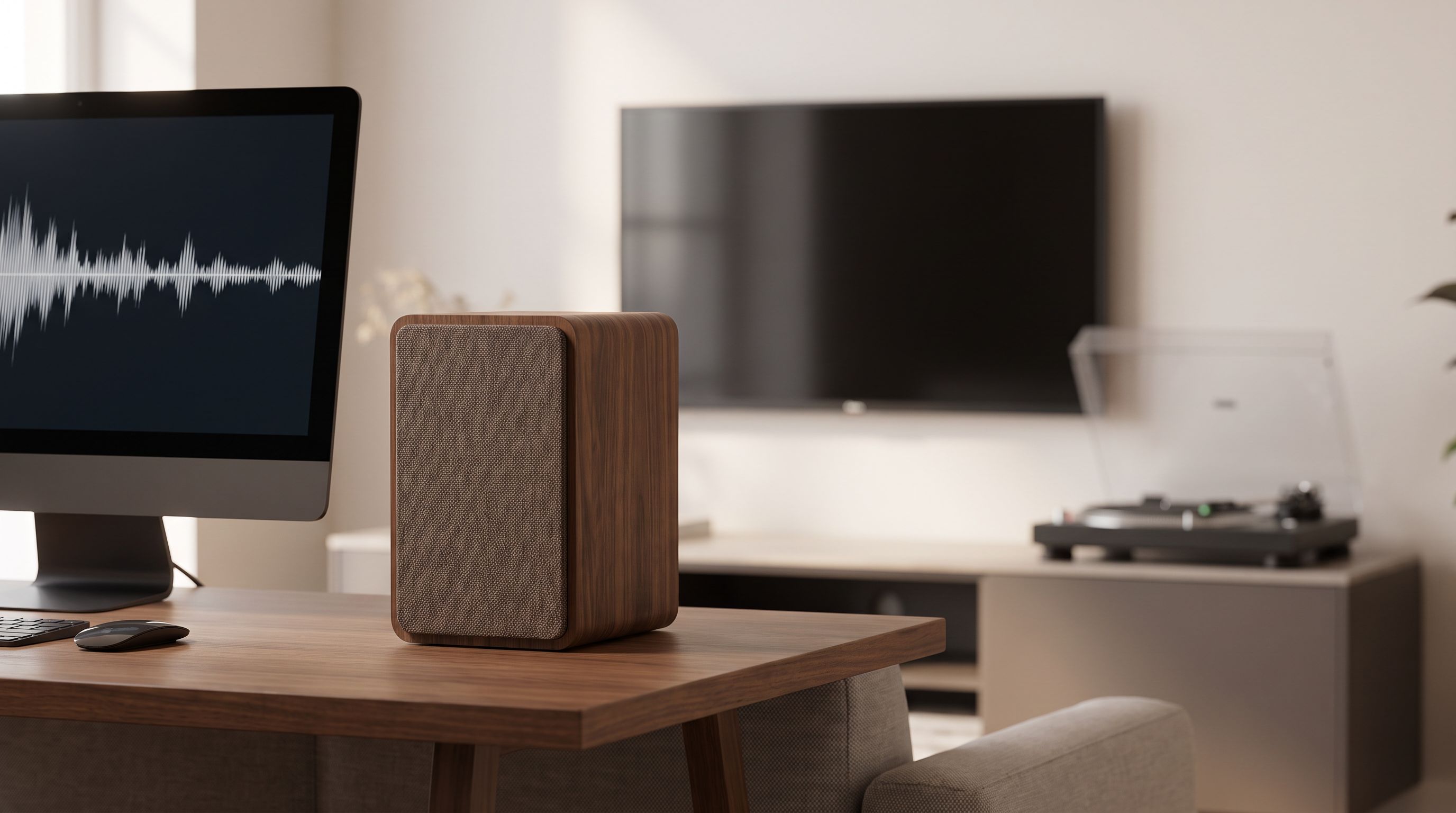
Powered Bookshelf Speakers Under $300: A Real Soundbar Swap
The best powered bookshelf speakers 2026 under $300, compared for HDMI ARC, Bluetooth and desk use — plus which pairs actually beat a budget soundbar.
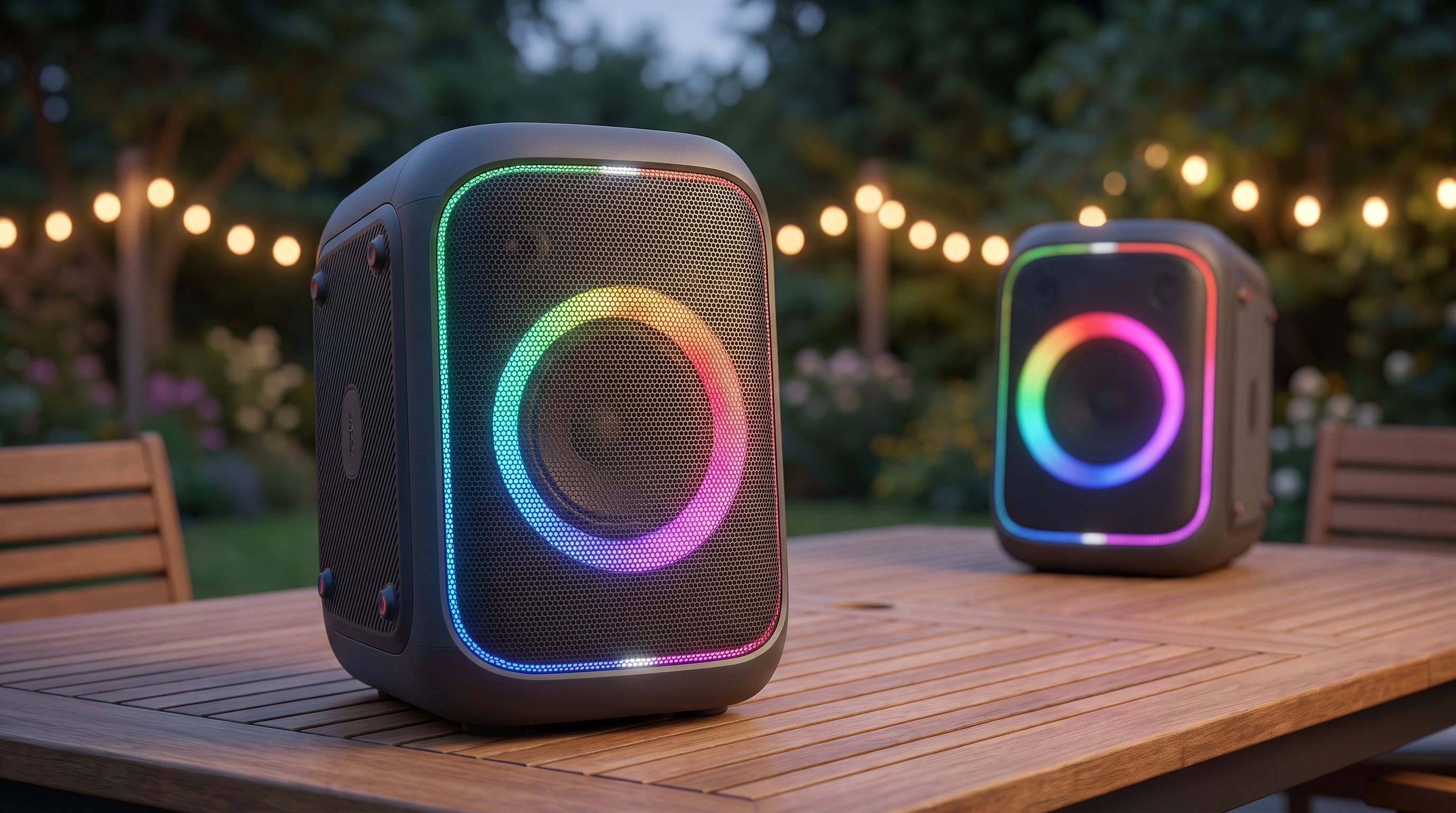
Auracast Speakers in 2026: What It Actually Changes
Auracast speakers in 2026 explained: what Bluetooth LE Audio broadcast really does, where it works today, and which JBL, Sony and Bose models support it.
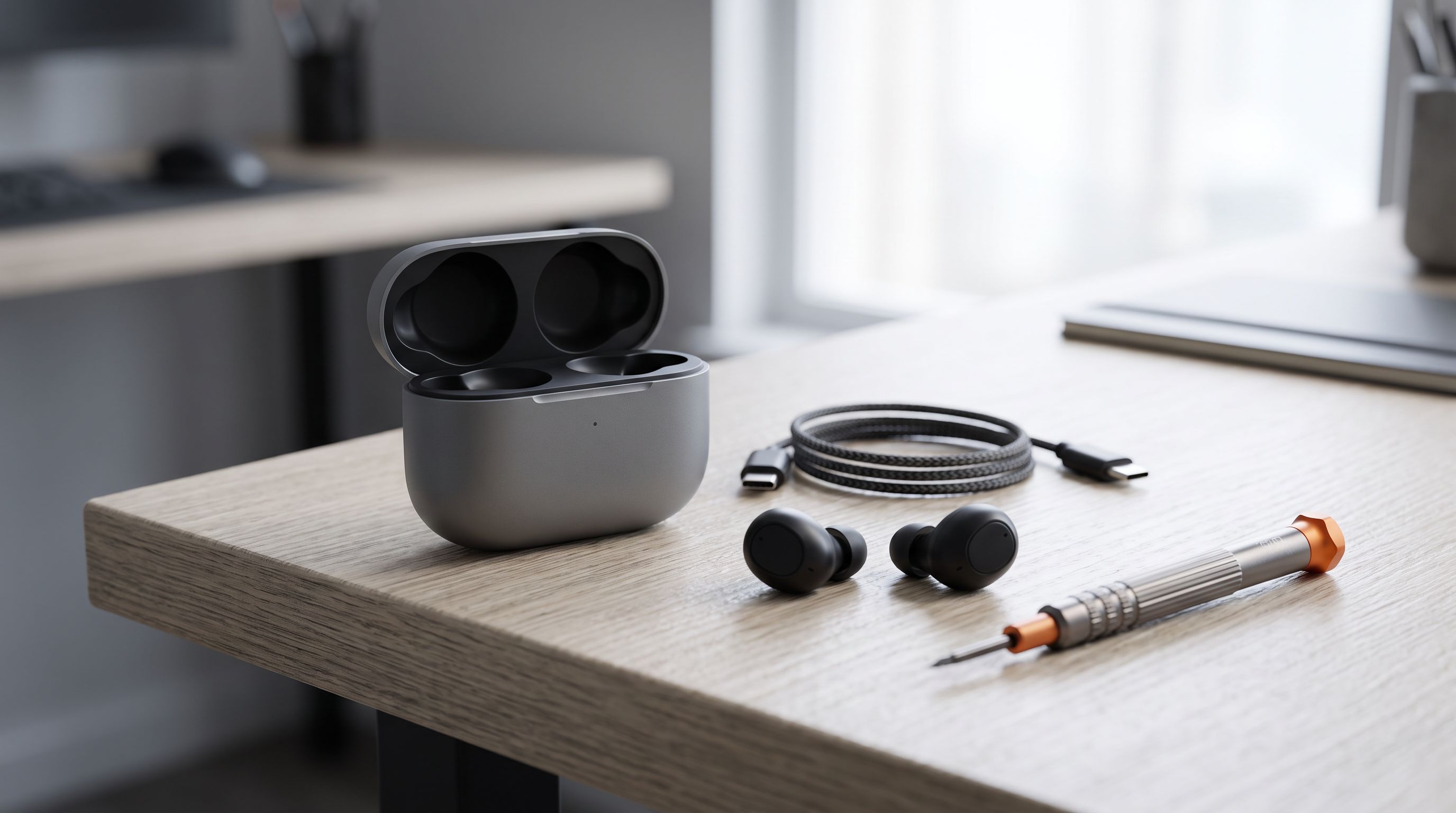
Earbud Charging Case Replacement in 2026: Repair or Rebuy?
Lost or dead earbud case? Our 2026 guide to earbud charging case replacement compares official case-only buys, third-party cases, USB-C retrofits and repair.